


AI Video Generation & Avatar Tools
Text-to-video generators and AI presenter/avatar tools.
Discover · Compare · Choose
A directory for video editors, marketers, and content creators to discover, compare, and choose the right AI tools — with verified pricing and no invented ratings.
Editorial illustration generated with OpenAI in ChatGPT; not a tested output from any listed tool.
30 AI tools across video, audio, image, editing, UGC, and productivity.
Text-to-video generators and AI presenter/avatar tools.
Image generation, design assets and background removal.
Voiceovers, music and podcast production.
Editors that speed up cutting, captions and cleanup.
UGC-style ad creators and long-to-short clipping.
Category illustrations generated with OpenAI's image-generation tool in ChatGPT, then cropped and enhanced for CreatoriaHub. These are editorial illustrations, not tested outputs from tools listed on this website.
Curated picks by use case, built from verified specifications. Lists are alphabetical — not a quality ranking.













Audio
Best for: AI podcast recording and editing
Free plan Paid from $11.99/mo Community-sourced
Side-by-side specs — pricing, free plans, and commercial-use terms.
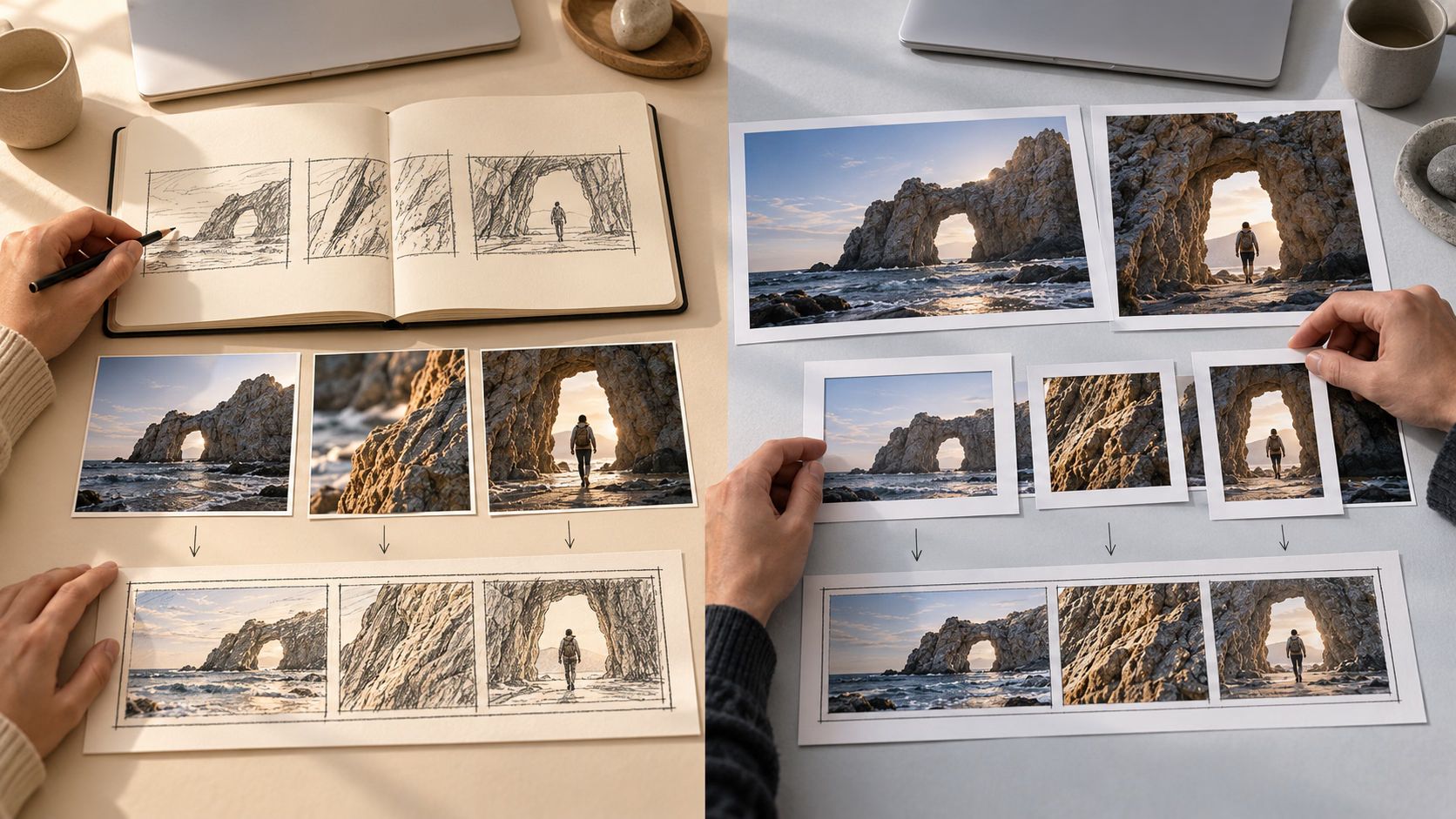
Editorial artwork; the comparisons below cover documented specifications, not the pictured equipment or tested outputs.
Runway and Kling AI are both AI video generation tools offering free tiers and paid plans. This comparison covers officially verified pricing, free-plan limits, and platform availability — no hands-on output quality testing has been performed.
ElevenLabs and Murf AI both generate AI voiceovers from text. ElevenLabs' free plan includes a monthly credit allowance usable for real projects; Murf AI's free plan is evaluation-only — no downloads and no commercial use until you upgrade to the Creator plan.
HeyGen and Synthesia are both AI avatar video generators that turn a script into a presenter-style video. HeyGen's free plan includes a handful of videos per month; Synthesia's free Basic plan is capped at about 10 minutes of video per month. HeyGen's data is sourced directly from official product information; Synthesia's is community-sourced from third-party summaries — verify Synthesia's current pricing before choosing.
Midjourney and Leonardo AI are both general-purpose AI image generators. Midjourney has no free plan and starts at $10/month; Leonardo AI offers a genuine daily free-token allowance before its paid tiers begin at $12/month.
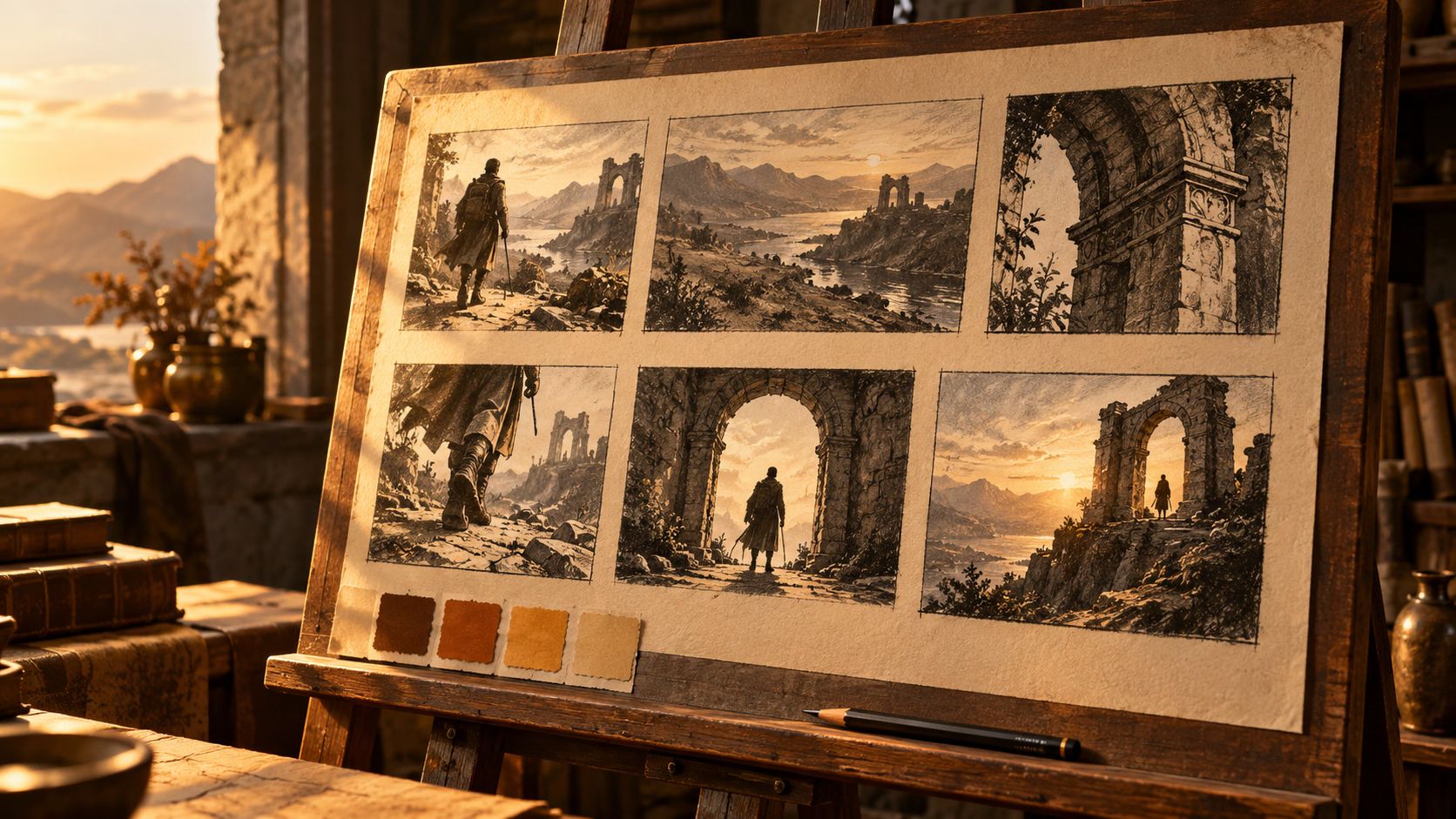
Step-by-step workflows for creating content with AI tools. Cover artwork is illustrative, not a tool screenshot or tested output.

Start here · Workflow · Beginner · 12 minutes
A workflow map of the AI creator stack for 2026: one pick and one alternative per production stage, where creators overspend, and three budget stacks.
How-to · Beginner · 15 minutes
Create natural AI voiceovers with ElevenLabs: prepare a script for speech, choose a voice, generate in sections, fix pronunciation, and mix the final audio.

Workflow · Beginner · 15 minutes
Turn long videos into Shorts with Opus Clip: pick moments that stand alone, review auto-selected clips, check framing and captions, and test on a phone screen.
Workflow · Beginner · 15 minutes
Choosing an AI video generator for YouTube: a shot-by-shot workflow, where Runway, Kling AI, Veo 3, Luma, and Pika fit, and a pre-publish checklist.
Ready-to-use prompts you can adapt and run in your favorite AI tool.
YouTube Prompts
Write 10 YouTube opening hooks for a video about [TOPIC]. Each hook must create curiosity within one sentence, avoid misleading claims, clearly promise the video's value, and use natural spoken language. Return hooks only, ranked from strongest to weakest.
YouTube Prompts
Suggest 5 YouTube thumbnail concepts for a video about [TOPIC]. For each: describe the main visual focal point, the facial expression or emotion if a person is shown, the on-thumbnail text (3-5 words max), and the contrast/color approach that would make it stand out in a crowded feed. Rank the 5 from strongest to weakest with a one-line reason for the top pick.
Social Media Prompts
UGC-style testimonial video, [PERSON] speaking directly to camera about [PRODUCT/TOPIC], casual authentic delivery, natural home or everyday setting, handheld or slightly imperfect framing, genuine conversational tone (not scripted-sounding), one clear key point per statement, photorealistic, no watermark.

Editorial illustration
Filter by what you want to create, your budget, and free-plan availability.
Open Tool FinderPricing and features are checked directly against each tool's official page where possible; entries compiled from third-party sources instead are clearly marked "Community-sourced."
A tool only gets a score after real hands-on testing. Until then, its rating shows as "Pending" instead of a guessed number.
Organized by what you're trying to make — video, audio, image, editing, UGC, or productivity — not generic software categories.
Read the full methodology or browse the best-of lists.